How do you build the BCN3D Moveo robot arm?
You build the BCN3D Moveo from free, MIT-licensed files: print every structural part from the STL files on GitHub, buy the parts on the official parts list, wire an Arduino Mega 2560 with RAMPS 1.4 and 6 stepper drivers, then load the firmware and follow the user manual. BCN3D does not sell it as a kit (checked 7 Nov 2026). GitHub · Parts list
What you get for free
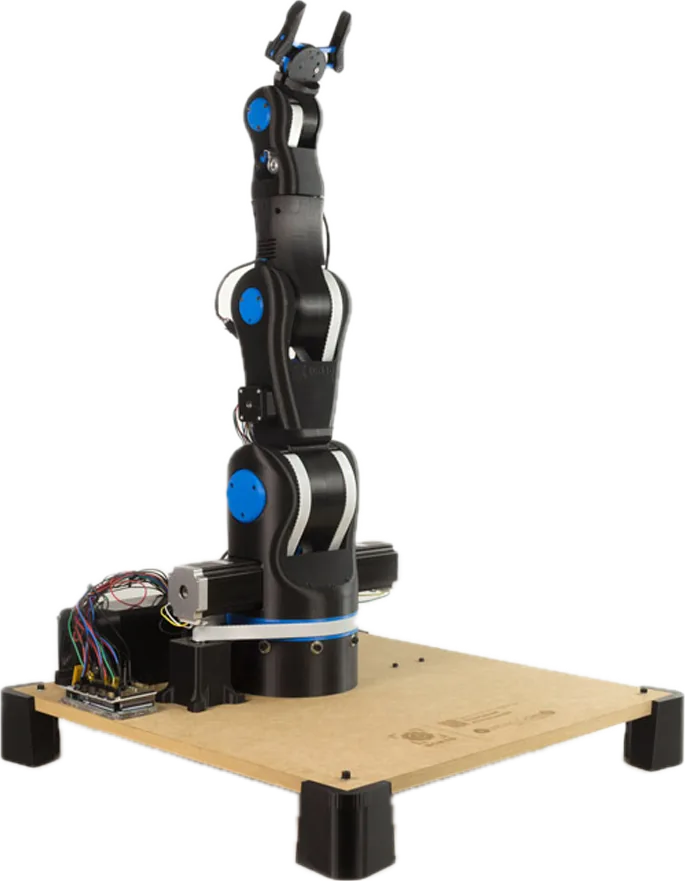
BCN3D put the whole arm on GitHub: the CAD files, STL files, user manual, firmware and the bill of materials. README, checked 7 Nov 2026. The license is MIT, so you can build, change and share it. Repository
It is plans only: BCN3D does not sell it, and the files are free on GitHub. README, checked 7 Nov 2026.
The build, step by step
- Print the frame. Every structural part is 3D printed from the STL files in the repository. STL and CAD files
- Buy the parts. The official bill of materials is a 2-page PDF with parts and quantities: about 33 component types plus fasteners. It lists no prices. Parts list PDF
- Wire the electronics. The parts list calls for these:
| Part | What it does |
|---|---|
| Arduino Mega 2560 | Runs the firmware |
| RAMPS 1.4 | Board that holds the motor drivers |
| 6 x TB6560 stepper drivers | One per stepper motor |
| 24 V 320 W supply | Power for the motors |
BCN3D Moveo BOM, checked 7 Nov 2026.
- Load the firmware and calibrate. The firmware and the user manual, in English and Spanish, are in the same repository. User manual
- Control it from a computer (optional). A community package, jesseweisberg/moveo_ros (ROS + Arduino control), drives the arm from ROS. GitHub, checked 7 Nov 2026.
How hard is it
We rate it 4 of 5 (Advanced). You print all the parts, source about 33 component types plus fasteners, wire 6 stepper drivers and load the firmware. Parts list
Where it comes from
It was built with the Catalan Departament d'Ensenyament for schools. The design is based on Andreas Hoelldorfer's open 3D printable robot arm (Hackaday.io 3800). README, checked 7 Nov 2026. The repository was last updated 1 Mar 2022. GitHub, checked 7 Nov 2026.
Watch the maker's own intro and a third-party build on the BCN3D Moveo page. BCN3D on YouTube
Printed arms you can order parts for today
| Option | Price | Stock |
|---|---|---|
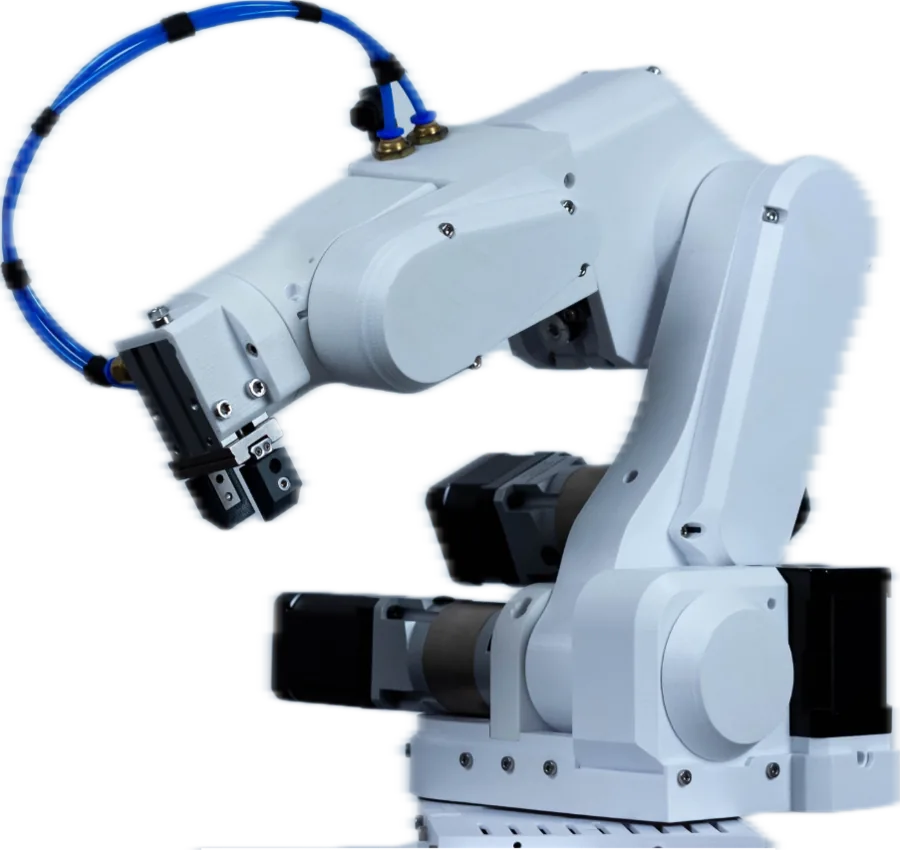
| PAROL6 printed parts (6-axis desktop arm) Source Robotics · checked 7 Nov 2026 | €476 | in stock |
| PAROL6 partial kit Source Robotics · checked 16 Nov 2026 | €1,188.81 | in stock |
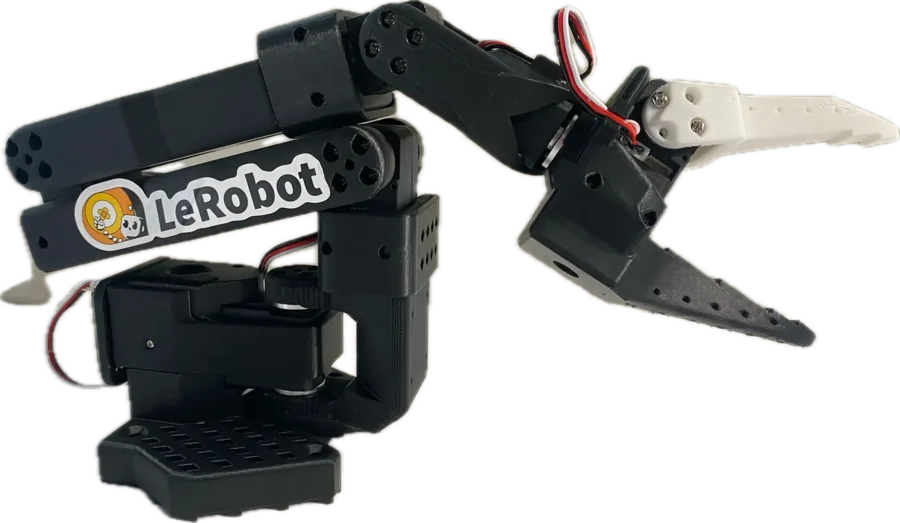
| SO-101 servo kit (motors and boards) Seeed Studio · checked 23 Nov 2026 | $237.41 | in stock |
See every open-source arm you can 3D print, what the PAROL6 really costs or what the SO-101 really costs.
People also ask
Can you buy the BCN3D Moveo as a kit?
No. BCN3D does not sell it; the files are free on GitHub. README
How much does it cost to build a Moveo?
The official parts list gives parts and quantities but no prices, so there is no honest total. For a priced printed arm, PAROL6 printed parts are €476 and the SO-101 servo kit is $237.41 (in stock). Moveo parts list
What electronics does the Moveo use?
Arduino Mega 2560, RAMPS 1.4, 6 x TB6560 stepper drivers, 24 V 320 W supply. Parts list
Is the BCN3D Moveo open source?
Yes, under the MIT license, with CAD, STL files and firmware on GitHub. Repository
Does the Moveo work with ROS?
Yes, through the community package jesseweisberg/moveo_ros (ROS + Arduino control). GitHub
Get the BCN3D Moveo when it is in stock and cheaper
One email when a seller restocks or the price drops. Confirm once, unsubscribe in one click.